July 2026 release recap
Posted by getSoapy on 2nd August 2026 in Product Updates . Last updated: 9th October 2026
July was a busy one at getSoapy.
We shipped a mix of big new features and smaller fixes that make the day-to-day stuff quicker, clearer, and a bit less annoying. From calendar feeds and invoice instalments to Making Tax Digital beta and smarter bank transaction matching, this month's updates are all about helping local service businesses spend less time wrestling with admin and more time getting work done.
If you missed last month's update, have a look at the June 2026 release recap too.
Spread bigger bills with invoice instalments
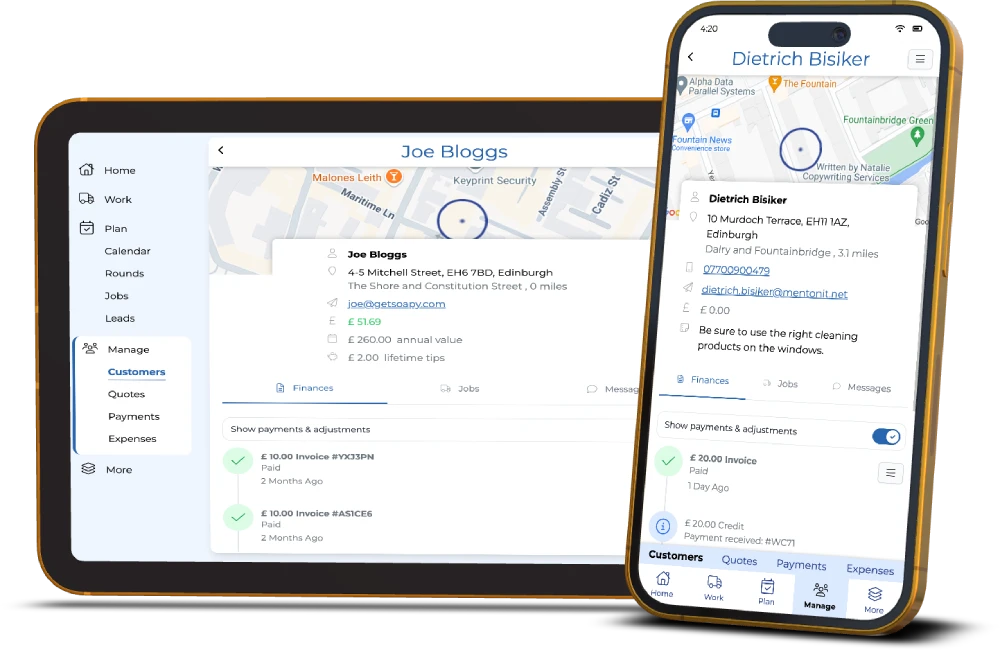
For bigger jobs, asking for one lump sum can be a pain for everyone. Now you can split the cost across multiple payment dates with invoice instalments.
This gives you a cleaner way to bill larger jobs, helps customers spread the cost, and can make it easier to agree work without awkward back-and-forth over payment.
Invoice instalments are now available on the Advanced and Pro plans, and they build on the tools in our invoice software for cleaning business feature set.
Making Tax Digital is now in beta
You can now connect your HMRC account in getSoapy and prepare and submit your quarterly Making Tax Digital updates in one place.
In plain English, that means your income and expenses can stay together, and you don't need to cobble things together elsewhere when tax time rolls round.
It's still marked as beta while we keep polishing it, but it's now available for everyone to try.
Bank transactions got a big tidy-up
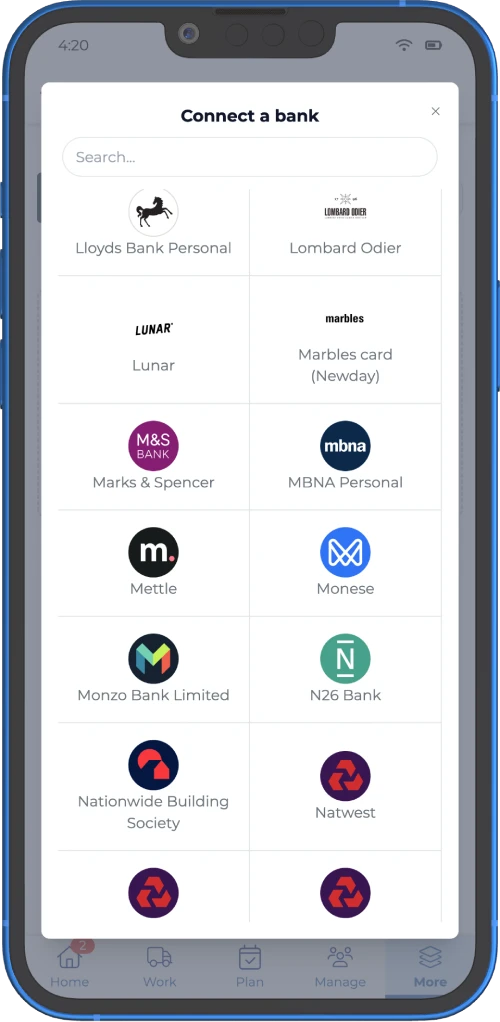
We made a whole batch of improvements to bank transactions across Payments, Expenses, and the weekly summary email.
The main aim here is simple, help you spot what needs attention faster and sort it with less digging around.
You can now:
- see dashboard prompts when there are unmatched bank transactions for payments or expenses
- get the same heads-up in your weekly summary email
- turn off bank transactions in Expenses if you don't want to match expenses that way
- see more detail on bank transactions in Payments and Expenses, including which connected account they came from
- search expense transactions by connected account if you've linked more than one bank
And as a nice little extra, the weekly summary email now shows the cheapest petrol and diesel near you.
Not exactly life-changing, but in fairness, neither is paying more for diesel than you need to.
These changes work hand in hand with our bank reconciliation software for window cleaners tools.
Suggested expense matching from bank transactions
If you've connected a bank account, outgoing transactions can now show up as suggested expenses.
So when money leaves your account for things like fuel, supplies, or equipment, you can quickly turn it into a proper expense, attach a receipt, and move on without typing it all out by hand.
If it's not a real business expense, you can ignore it and carry on. Nice and clean.
This works with bank reconciliation, which is available on the Pro plan, and it pairs nicely with our simple expense tracking software for local service businesses.
Route optimisation now works with more than 25 jobs
A long-standing pain point is now gone.
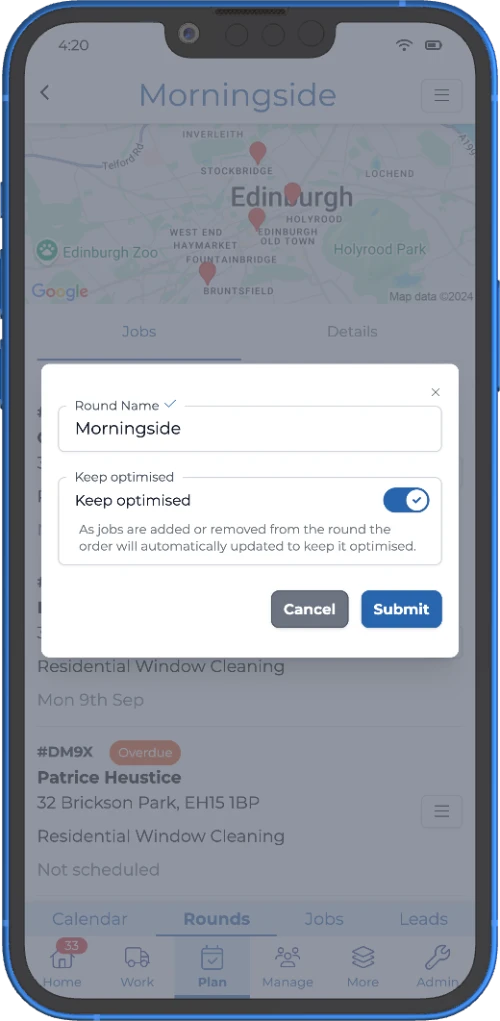
Route optimisation no longer stops at 25 jobs, so if you've been splitting bigger days into chunks just to get a route planned, you don't need to do that anymore.
It's a simple change on paper, but for busy rounds it should save a fair bit of time and a decent amount of faff.
If route planning is a big part of your week, this update makes our route optimisation software for window cleaners even more useful.
See your getSoapy jobs in your favourite calendar app
You can now create calendar feeds for your jobs and subscribe to them in apps like Apple Calendar, Google Calendar, and Outlook.
That means your getSoapy work can sit alongside the rest of your day, which is handy if you'd rather not bounce between five apps and a vague memory of what Tuesday looks like.
When you create a calendar feed, you can choose which jobs to include based on:
- assigned user
- services
- whether to include suggested jobs
- whether to include forecast jobs
Calendar feeds are available on the Advanced and Pro plans, and they fit neatly alongside our job scheduling app for trades tools.
More control over date formats in merge tags
You can now choose how dates appear when using merge tags in invoices, customer notifications, and other templates.
So whether you want dates to read like 4th May, May 2026, 04/05/2026, or something shorter for SMS, you can now pick the format that fits.
It's a small change, but it helps your messages and documents feel more polished and more consistent, which is the sort of thing customers notice without ever saying out loud.
Smaller improvements across the app
We also shipped a set of smaller updates to make planning and admin a bit smoother.
New calendar modes
You can now switch between:
- continuous
- multi-week
- single week
So you can plan work in the view that actually suits how your brain works, rather than forcing yourself into one layout.
Refreshed Customers list
The Customers list has had a redesign and now shows job details in the list, which makes it easier to scan customer info and linked jobs without opening each record one by one.
That's another handy step forward for anyone who wants to manage your window cleaning customers with ease.
Clearer Jobs and Rounds lists
We also tidied up the Jobs and Rounds lists to make them easier to read and use.
Easier multi-select
Multi-select now works more neatly across these lists too.
Checkboxes no longer sit there taking up room all day, and you can now long-press to start selecting, or use the select option in the page menu if that's more your thing.
That's July wrapped up
All in, July was a strong month.
There's a good mix here of bigger features, like calendar feeds, invoice instalments, and Making Tax Digital beta, plus smaller quality-of-life fixes that shave time off the daily grind.
If you've not had a look yet, July's a good batch to dip into, especially if you want to:
- plan work more easily
- bill bigger jobs more flexibly
- tidy up bookkeeping
- keep tax admin in one place
If you're new here and want the full picture, getSoapy is a window cleaner app for successful businesses and other local service firms that want to get organised, get paid faster, and stop doing everything the hard way.
To check out the latest updates, see the September 2026 release recap.
Try getSoapy Pro
The best way to experience how getSoapy can help your business is to try it for yourself.
- 1 Month of Soapy Pro
- 25 Free Lead Credits
- 100 Free SMS Credits
- No payment details required
- Cancel any time

