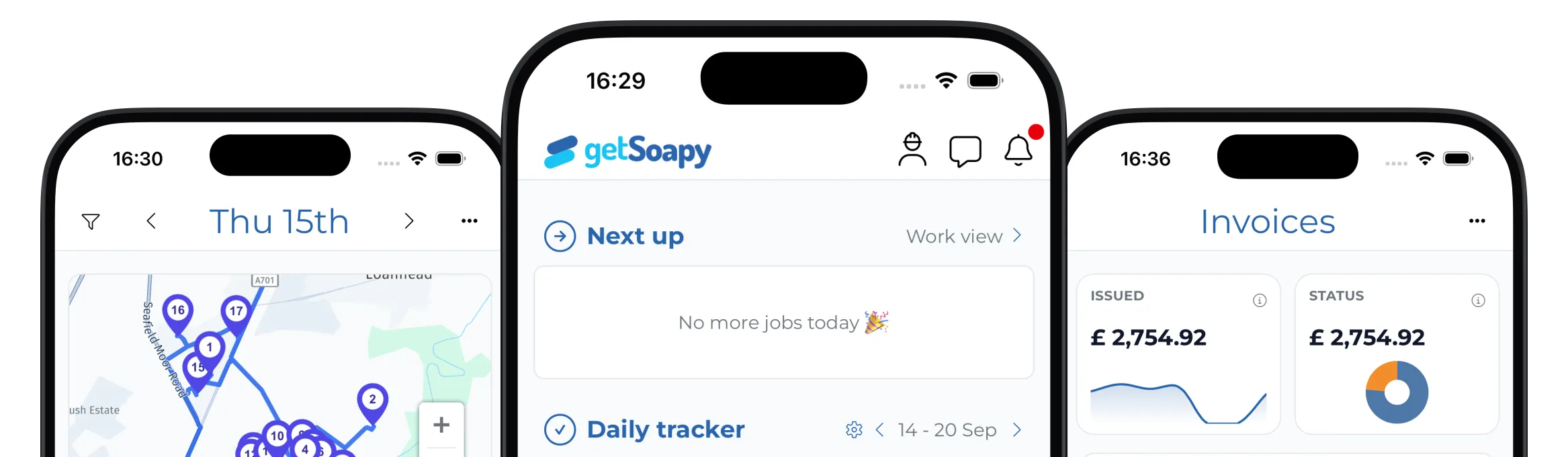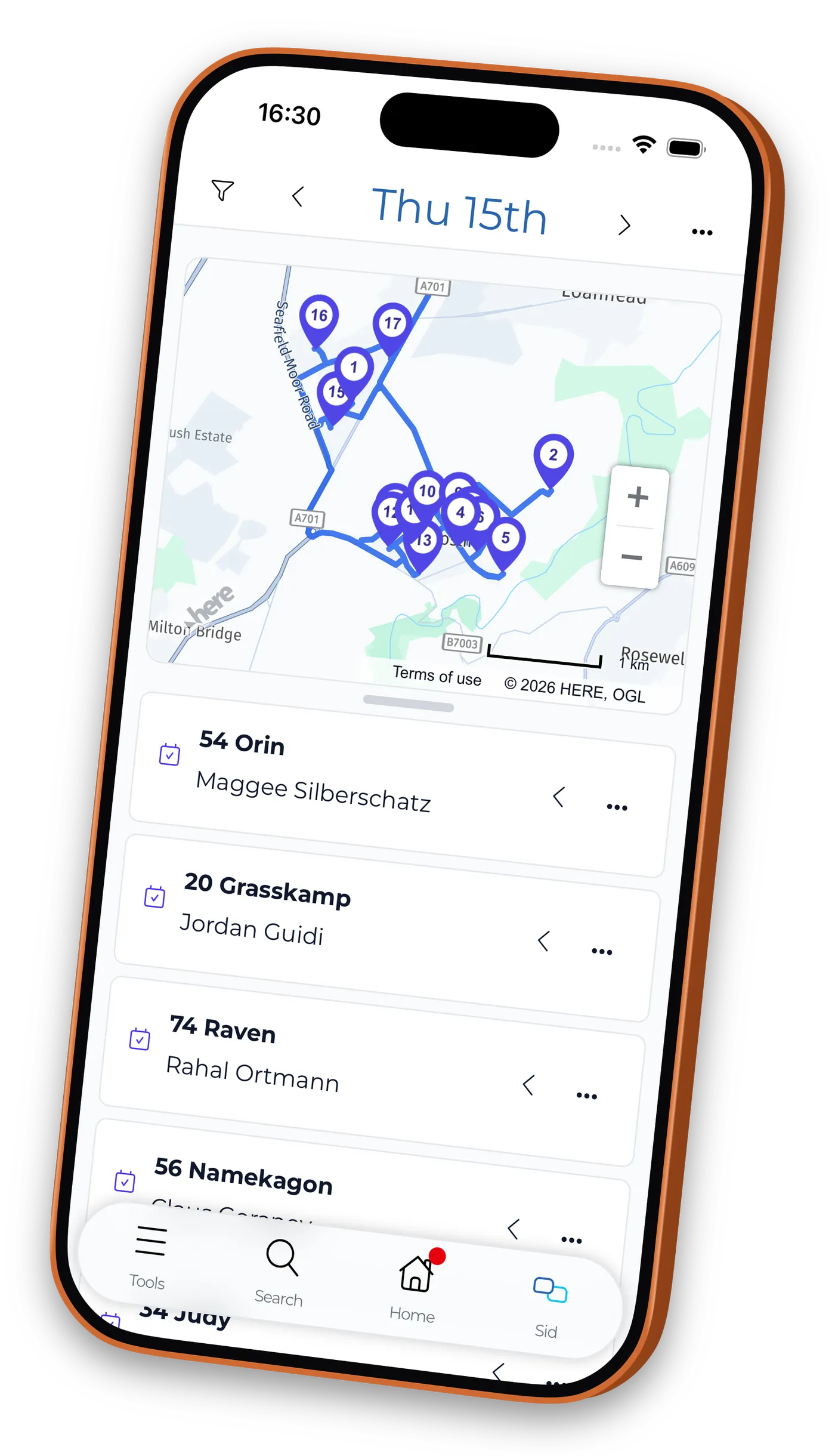
You know the feeling: same round, but you zig-zag across town because the stop order never quite made sense. getSoapy sorts your round stops, shows you how long you will be driving, and fits into Smart Planner when you plan the week.
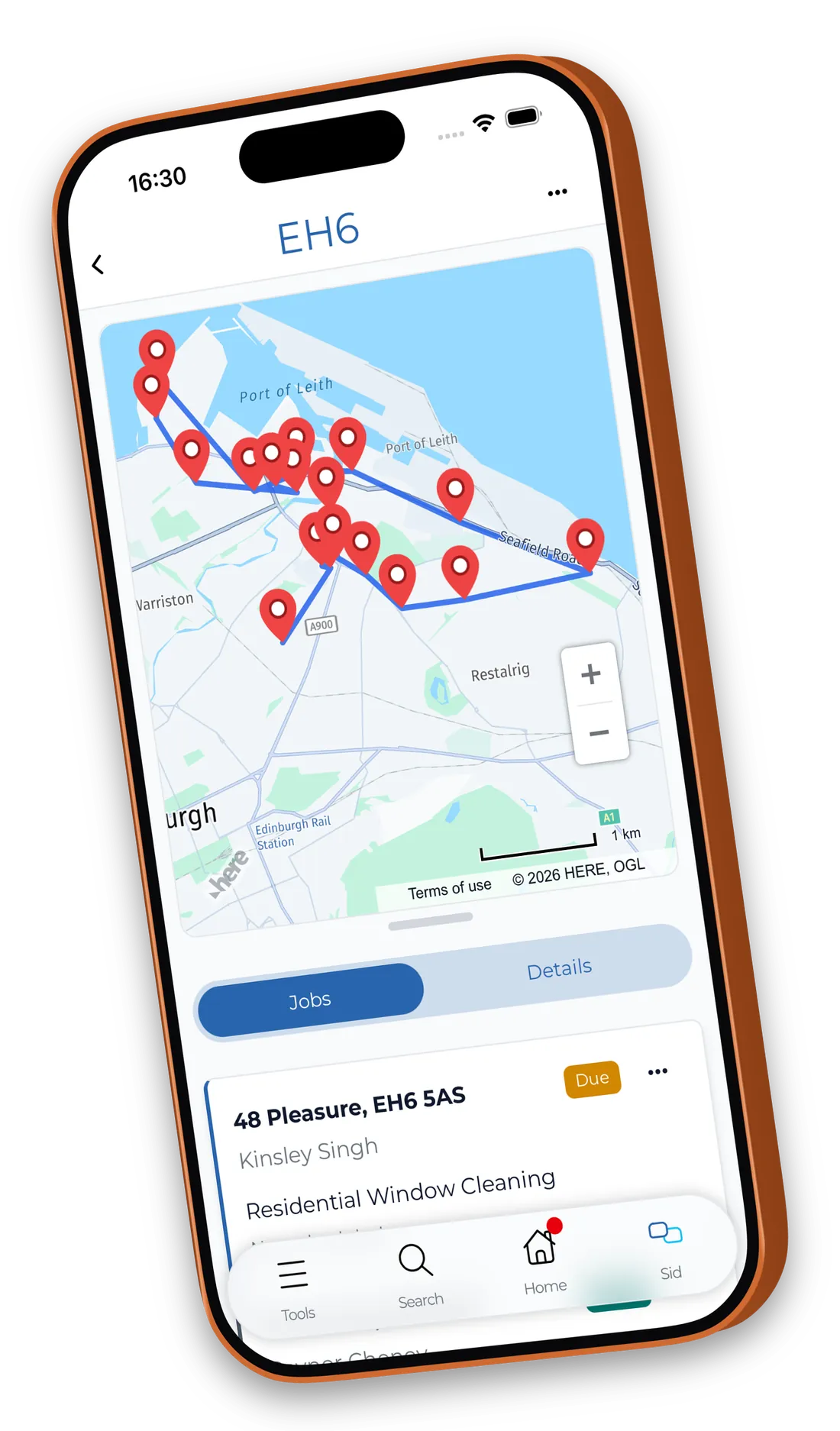
Route optimisation is included on the Advanced and Pro plans. Turn on Keep optimised for a round and getSoapy reorders jobs whenever you add or remove stops. It assumes you start and finish at your business address, which is how most of us actually work.
Open the Round Details tab to see estimated travel time alongside the round value and your current optimisation setting. Handy when you are deciding whether a round fits into Tuesday or needs splitting.
Prefer to run things yourself? Choose Optimise round from the round menu, or switch Keep optimised off and drag jobs into your own order. For weekly planning with traffic and job duration in the mix, Smart Planner goes further than round optimisation on its own.
Rounds, the Calendar, and the Work view each handle routing slightly differently. Pick the tool that matches what you are doing.
Toggle Keep optimised when you create or edit a round. getSoapy minimises travel whenever jobs are added or removed, so the order stays sensible without you touching it.
Explore RoundsThe Round Details tab shows estimated travel time, the round value, and whether Keep optimised is on. You know what you are committing to before you schedule.
Explore Rounds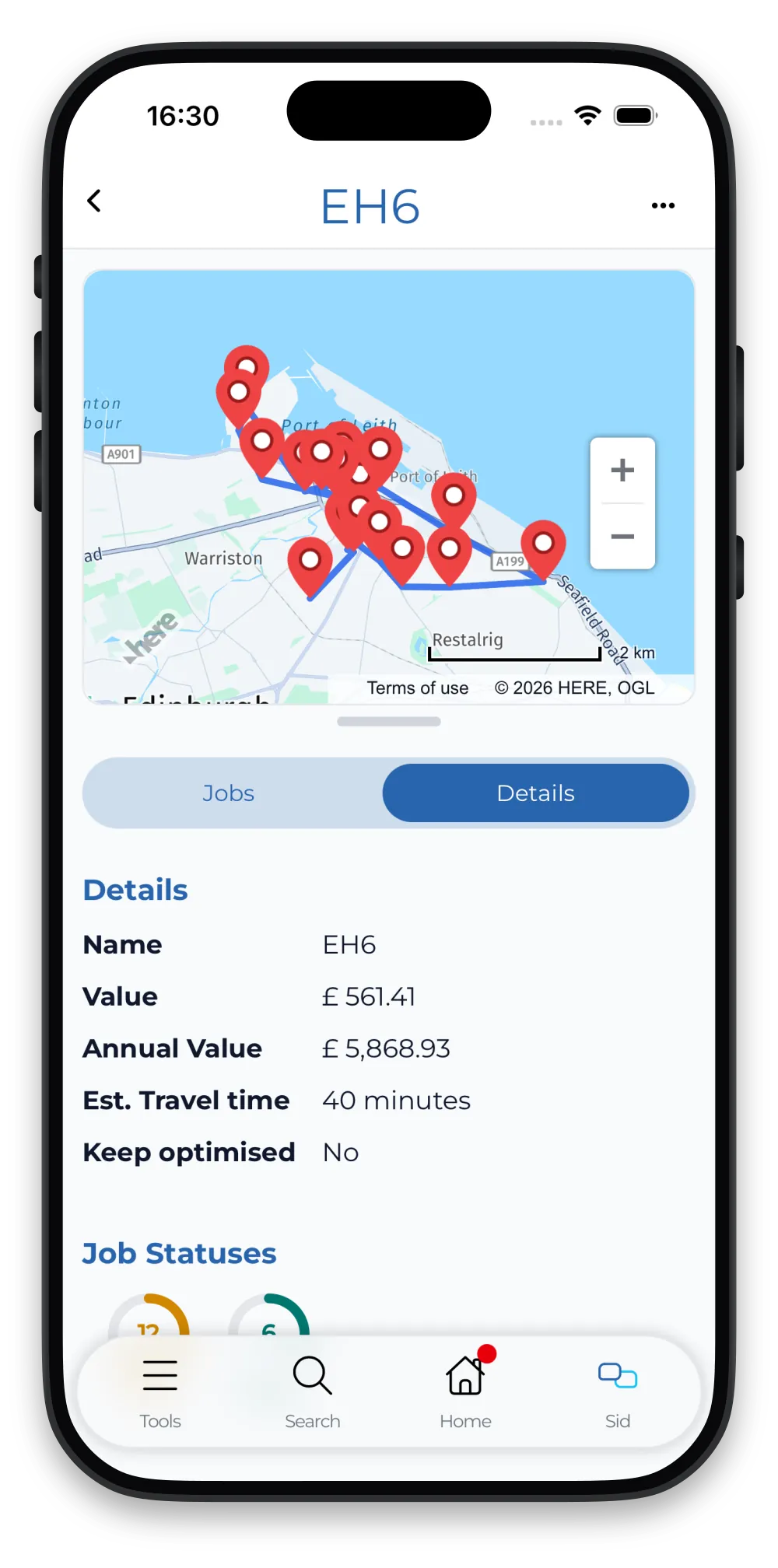
Planning a full week? Smart Planner considers predicted traffic, job duration, and overdue work, not just stop order within a round.
Explore Smart PlannerMixed your scheduling methods and the Work view looks a bit chaotic? Tap Optimise to sort that day's jobs, or Reorder manually if you know a better run.
Explore Work viewAssign optimised rounds on the Calendar and drag jobs between workers when plans change. Everyone gets a route that makes sense.
Explore team managementRoute optimisation sits alongside the rest of your schedule. These features pick up where sensible driving leaves off.
Plan the week with Smart Planner and confirm jobs on the Calendar.
Job addresses feed straight into your round order.
Assign optimised rounds to the right person each day.
Mark jobs done on route and invoices follow.
Run tighter rounds and fit more stops in.
Slot new stops into rounds that already make sense.
Yes, on the Advanced and Pro plans. There is no separate charge for route optimisation on top of your subscription.
When Keep optimised is on, getSoapy automatically reorders jobs in a round to cut travel whenever jobs are added or removed. Turn it off if you want to set the order yourself with Reorder jobs.
On the Round Details tab for any round. You will also see the round value, annual value, and the current optimisation setting.
Round optimisation orders stops within a round from your business address. It does not factor in time of day, job duration, or traffic the way Smart Planner does when you schedule a whole week.
Yes. Switch off Keep optimised and use Reorder jobs on the round menu, or tap Optimise or Reorder in the Work view for a single day's schedule. You can also run Optimise round from the round menu at any time.
That can throw off the order in the Work view. Open the menu and tap Optimise to sort that day's jobs into a sensible run. You can also view the full route in Google Maps.
Stop criss-crossing town. Order your round properly and get home earlier.
getSoapy Ltd is registered in Scotland.
Company number SC691724
Summit House, 4-5 Mitchell Street, Edinburgh, EH6 7BD
No correspondence at this address, please.