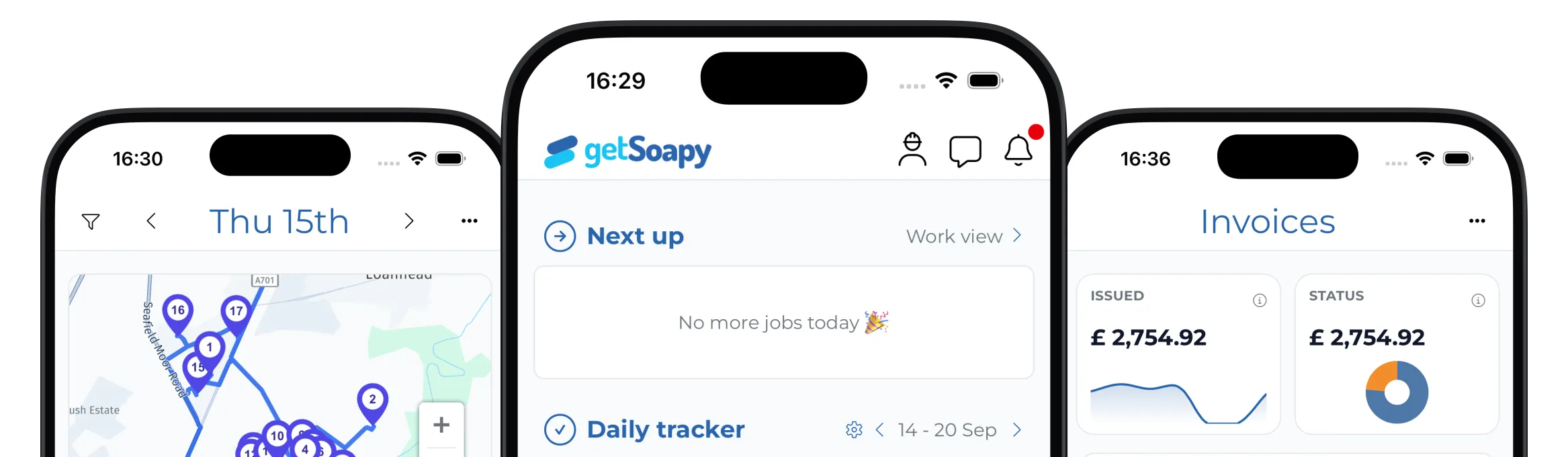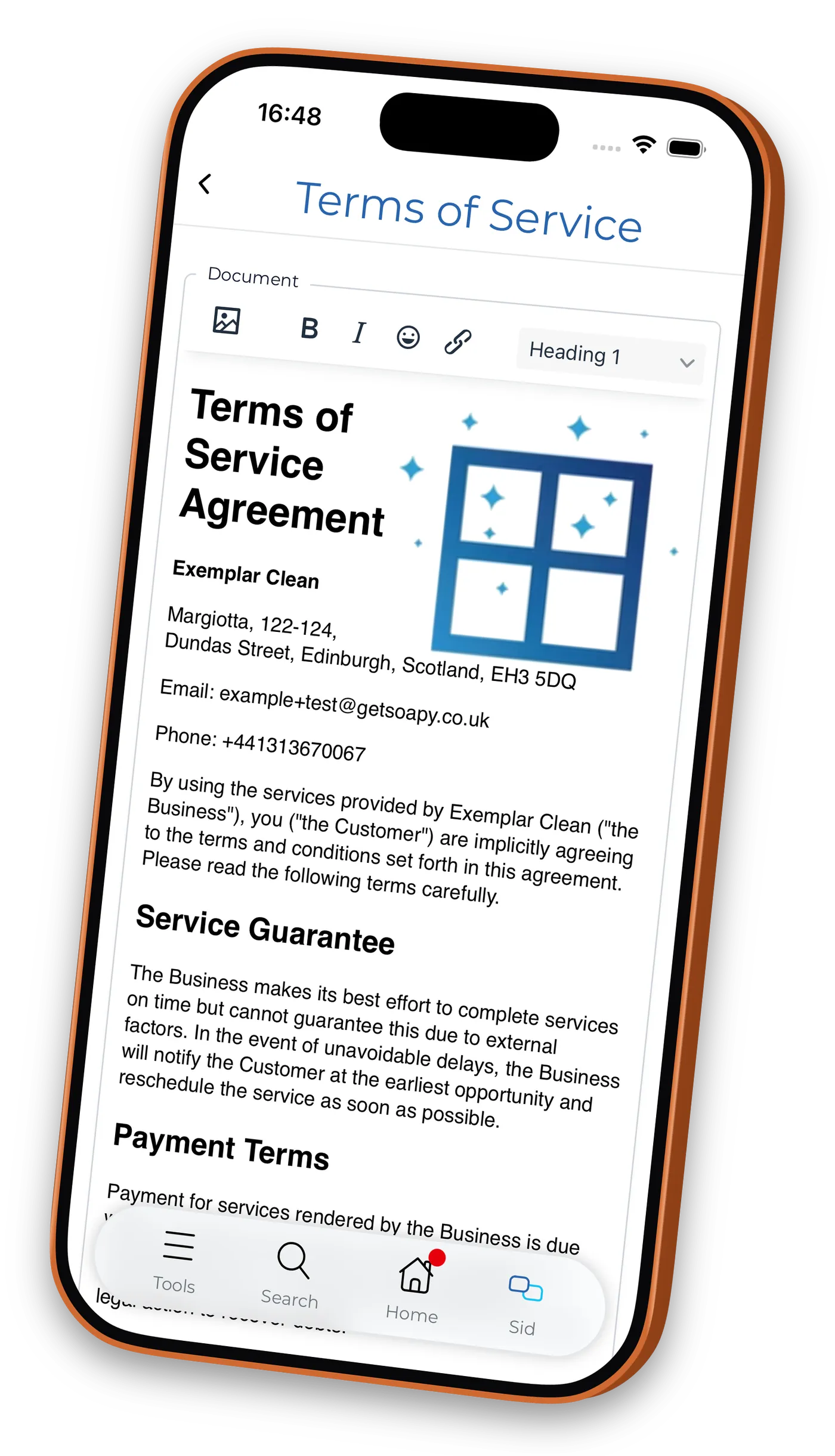
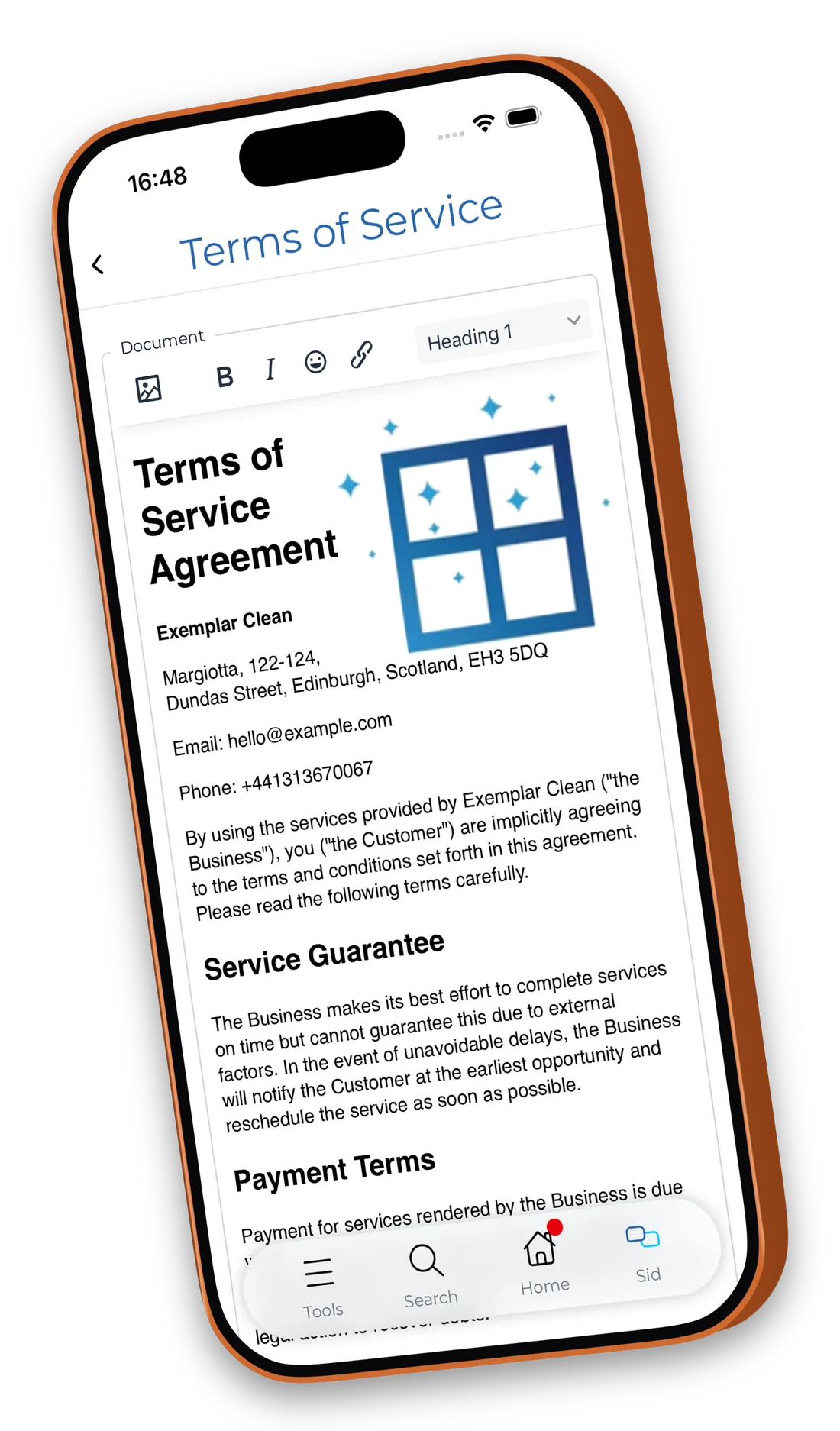
Terms, privacy policies, insurance certificates, the lot. Store them in getSoapy, share them where customers already look, and stop promising yourself you will sort the paperwork next week.
Head to Tools > Settings > Business > Policies & Documents. Tap Add Document and pick how you want to start. Upload pulls in files you already have, like insurance or certifications. Template uses AI to draft terms of service or a privacy policy after you answer a few questions. Custom opens the document editor if you fancy writing from scratch.
Template documents land in the editor when AI has finished, so you can tweak the wording and formatting before you save. Uploaded files stay as they are, but you can still share them, download a copy, or send a link. Need to refresh a template later? Open Edit and hit Recreate for another pass from AI.
Give each document a proper title (nobody wants to click on Document1) and a key if you plan to use merge tags elsewhere. Once it is saved, set share settings so customers can actually find it.
Set share settings once and getSoapy puts the right documents in front of the right people. No more emailing PDFs from your phone in the car park.
Turn on Share with services to add a link at the bottom of invoices, quotes, and itemisations for all or selected services. Customers see your policies when they open the paperwork.
Explore invoicingToggle Share on website to show documents on your getSoapy site, in the documents widget on a site you already have, and in the customer portal.
Explore website
Drop the documents widget onto your free getSoapy website or embed it on your own site. Shared documents appear automatically when Share on website is on.
Explore websiteDocuments with Share on website enabled show in the portal too, so regulars can read your terms without asking you to resend them.
Explore portalDocuments slot into how you already talk to customers.
Linked documents appear on invoices and quotes.
Show policies on your business site.
Customers read shared documents online.
Documents tied to services and records.
Tell customers when policies change.
Link your terms to the estimates you send out.
Upload anything relevant, like insurance or certifications. Use AI templates for terms of service and privacy policy. Or write custom documents in the editor, with images, links, and formatted text.
Yes. Choose Upload when you add a document, pick a category, give it a title, and select the file from your device. Uploaded documents cannot be edited in getSoapy, but you can download, share a link, or delete them.
Open the document menu and choose Share settings. Turn on Share with services to link documents on invoices, quotes, and itemisations. Toggle Share on website to show them on your getSoapy site, in the documents widget, and in the customer portal. You can also share a direct link from the Links option.
Yes for template and custom documents. Open Edit in the document editor and save your changes. For template documents, use Recreate if you want AI to help you draft a fresh version. Uploaded files cannot be edited inside getSoapy.
The templates give you a solid starting point tailored to your answers, but they are not legal advice. If you are unsure whether the wording fits your business, ask a legal professional to review it.
Go to Tools > Settings > Business > Policies & Documents. You can also search for Policies & Documents from anywhere in the app.
Get the paperwork in place and get back to the work that actually pays.
getSoapy Ltd is registered in Scotland.
Company number SC691724
Summit House, 4-5 Mitchell Street, Edinburgh, EH6 7BD
No correspondence at this address, please.