We now support MFA login to secure your account
Posted by getSoapy on 26th February 2026 in What's New . Last updated: 26th February 2026
We've introduced Multi-Factor Authentication (MFA) (also called 2FA) to help keep your getSoapy account secure.
When MFA is enabled, you'll need to enter a one-time verification code as well as your password when you log in on a new device. This makes it much harder for someone else to access your account, even if they get hold of your password.
getSoapy MFA uses an authenticator app (or a password manager that generates codes), we don't send codes by SMS or email, because app-based codes are the most secure option.
To add an MFA device, go to More > Security > MFA Devices and add a new device.
We've also added recovery codes, which you can use to log in if you lose access to your MFA device. We recommend creating at least one recovery code and storing it somewhere safe, separate from your MFA device.
If you'd like help with security best practices, you can ask Sid for advice.
In association with A.E. Mackintosh
In association with
A.E. Mackintosh
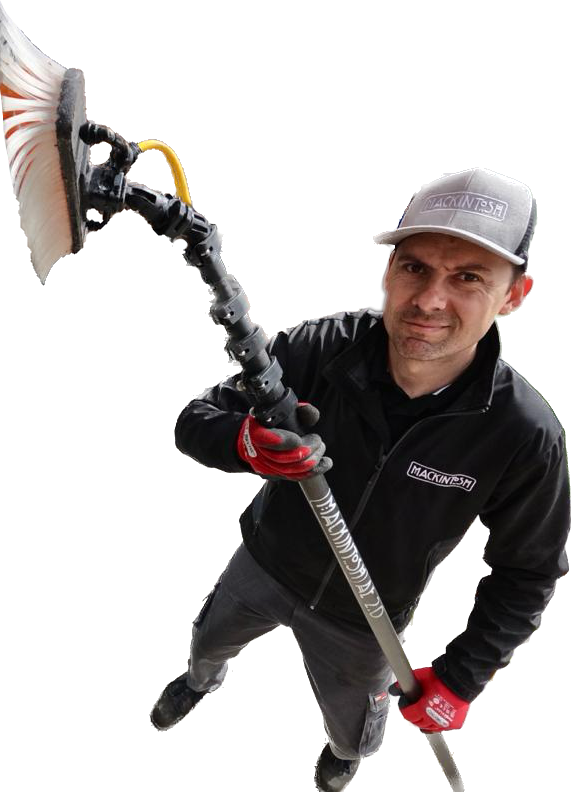
With 25 years in exterior cleaning, Ashley is a recognised industry expert. His content has helped thousands of people start successful window cleaning businesses.
We've teamed up with Ashley to make getSoapy the perfect app for any local service business.

