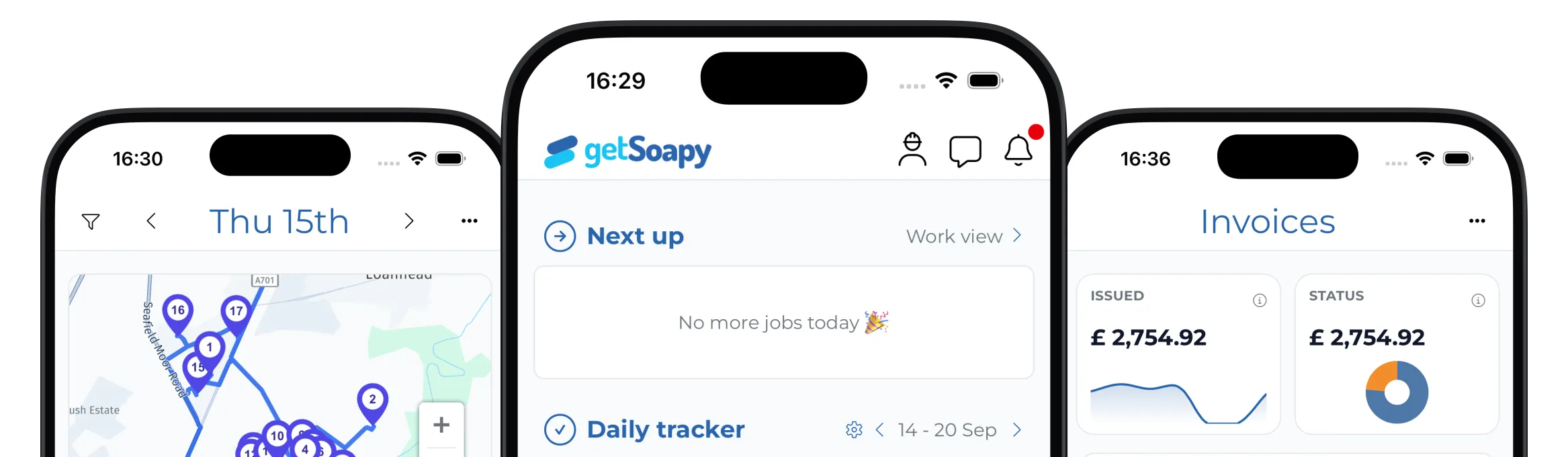
Download the getSoapy app on your phone.
Create your free account in a couple of minutes.
Start scheduling work, invoicing, and getting paid.


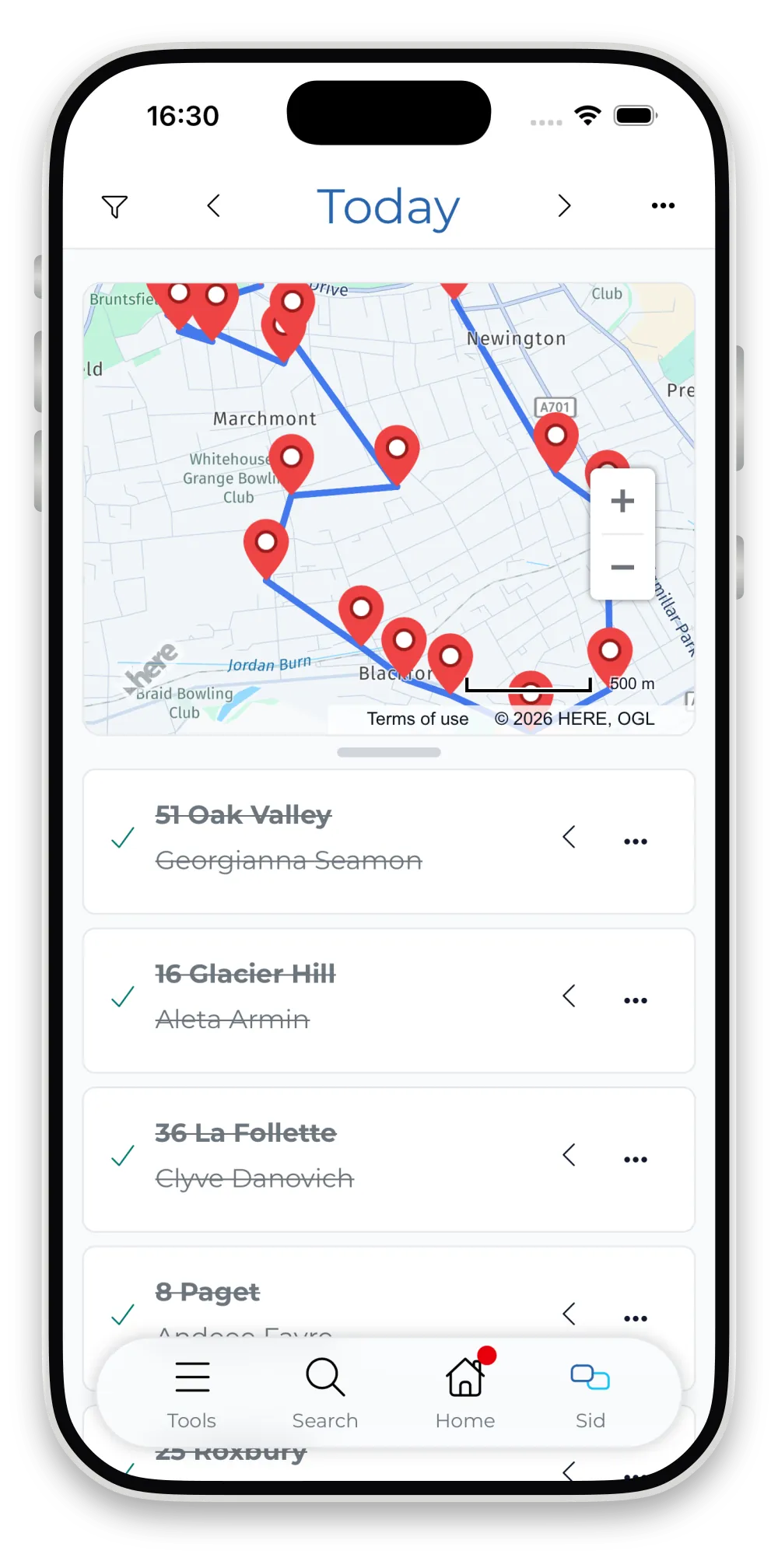
Open the Work view and you get the day in order: who is next, how to get there, and what the job is worth. Tap Directions to hand the address to your maps app, mark the job done when you are finished, and getSoapy raises the invoice, updates the balance, and tells the customer.
Plans change on the road more often than they change at a desk. Reorder the run with Optimise, move a job to another day, or reassign it to whoever is closest, and everyone sees the same schedule without a round of texts.
The app and the web version share the same account and the same data, so the plan you make at the kitchen table is the plan on your phone in the morning.
Download from the App Store and sign in with your getSoapy account.
Download from Google Play and sign in with the same account.
Plan the week on a laptop, then pick the day up on your phone.
No. The app is free to download on both stores, and you sign in with the same getSoapy account you use in a browser. You only pay for your plan.
Either. Everything in getSoapy works in a browser, and the app gives you the same thing in a form that suits a phone in one hand.
Yes. Managers and workers you invite on the Pro plan sign in to the app and see the jobs assigned to them, ready to mark done on site.
There is an experimental offline mode you can switch on under Experimental features. It lets you view today's work and mark jobs as done without a connection, then uploads your changes and triggers the usual invoicing and notifications once you are back online.
Yes. Your business data lives in your getSoapy account, not on the handset, so signing in on a new phone brings everything with you.
Get the app, create your account, and run tomorrow's work from your phone.
getSoapy Ltd is registered in Scotland.
Company number SC691724
Summit House, 4-5 Mitchell Street, Edinburgh, EH6 7BD
No correspondence at this address, please.